A 6502 computer, written gate by gate.
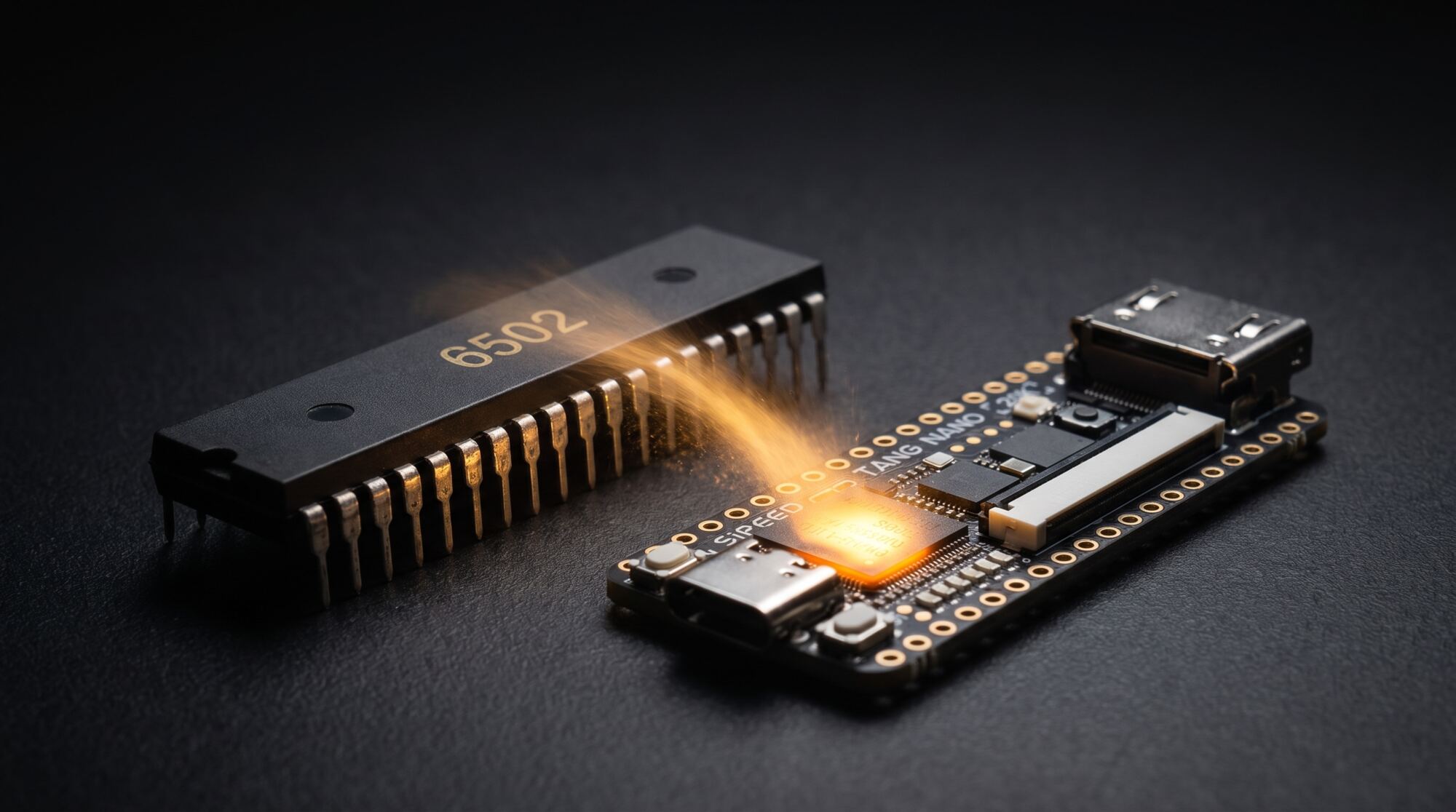

We start with a single gate and a blinking light. We end with a machine that shows its picture on an HDMI screen, reads a USB keyboard and runs BASIC. The processor is our own, written line by line in Verilog for one small FPGA board: the Sipeed Tang Nano 20K.
The finished computer
Two and a half minutes to see where the series goes: the machine running Microsoft BASIC, typed on its own keyboard, and the road from one logic gate to there.
-
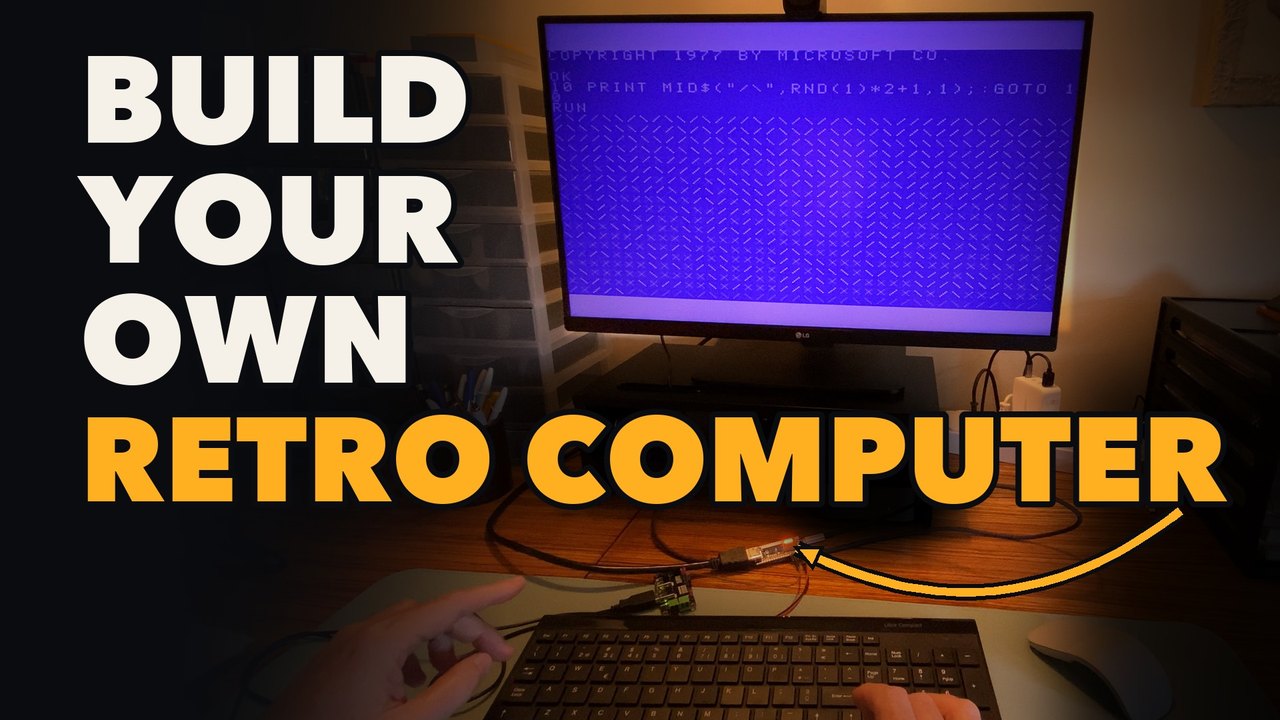
From One Logic Gate to Microsoft BASIC
A processor written from scratch in Verilog, its own HDMI picture, a real USB keyboard, and Microsoft's BASIC from 1977, all in one small FPGA board. There is no 6502 chip inside.
The episodes
The videos show every line being written, and explain it. They take their time. If you can program, in any language, you can follow: no Verilog and no assembly language needed at the start.
-
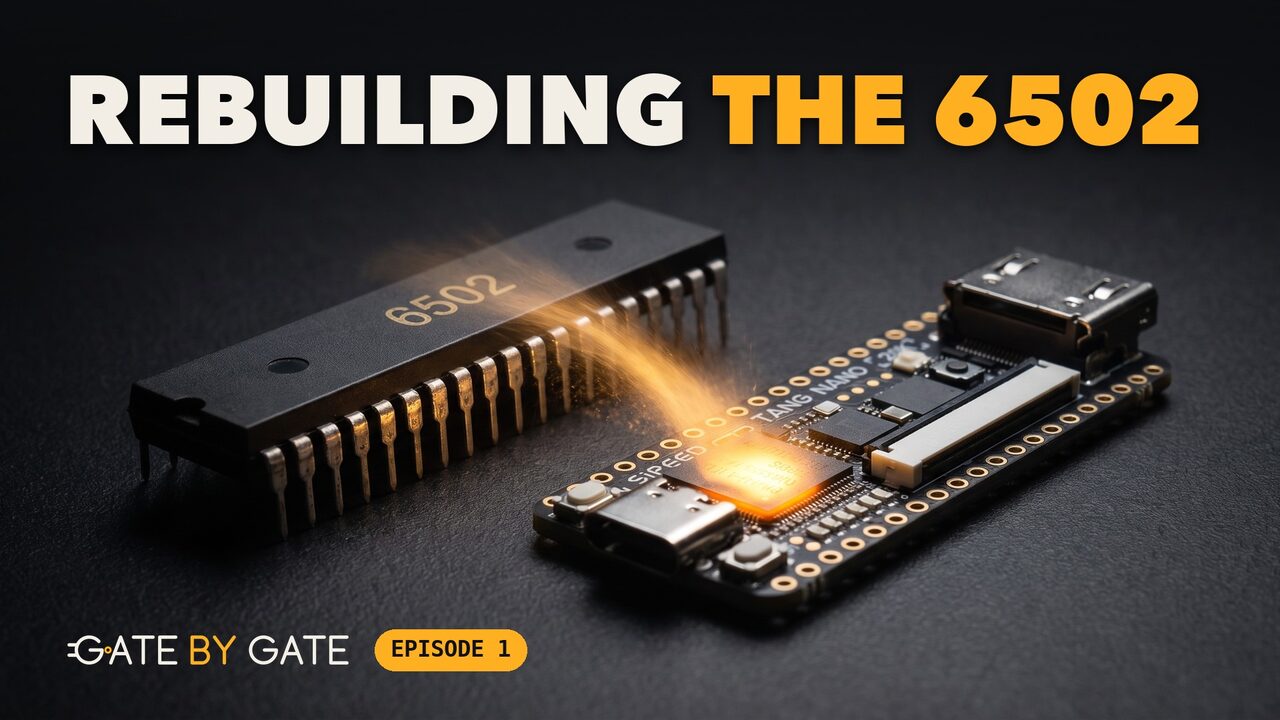
I'm Rebuilding the 6502 from Scratch, One Gate at a Time
What an FPGA really is, the free tools, and two circuits on the board: a single logic gate, then a light that blinks with no program running.
-
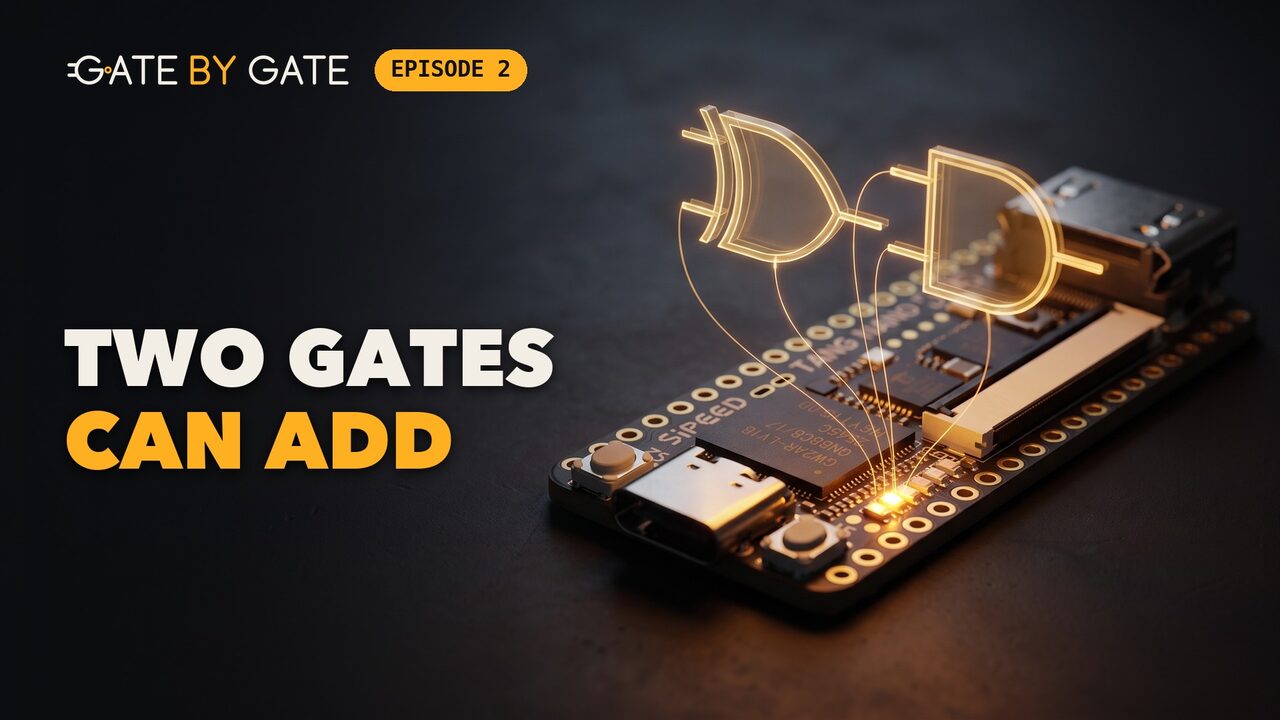
How a Computer Adds: I Built an Adder from Just Two Logic Gates
The six basic gates, counting in binary, and the half adder: two gates that add two bits. On the board: one plus one, shown on two LEDs.
-
I Built an 8-Bit Adder and Tested Every Possible Addition
Eight full adders in a chain, and a test bench that tries every addition there is: all 131,072 of them. On the board: 23 + 19 = 42.
-
How a Chip Remembers: I Built Memory from Scratch, One Bit at a Time
The flip-flop: one bit of memory, and a clock. Then a register, a counter, a timer and a first state machine, a light that runs back and forth.
-
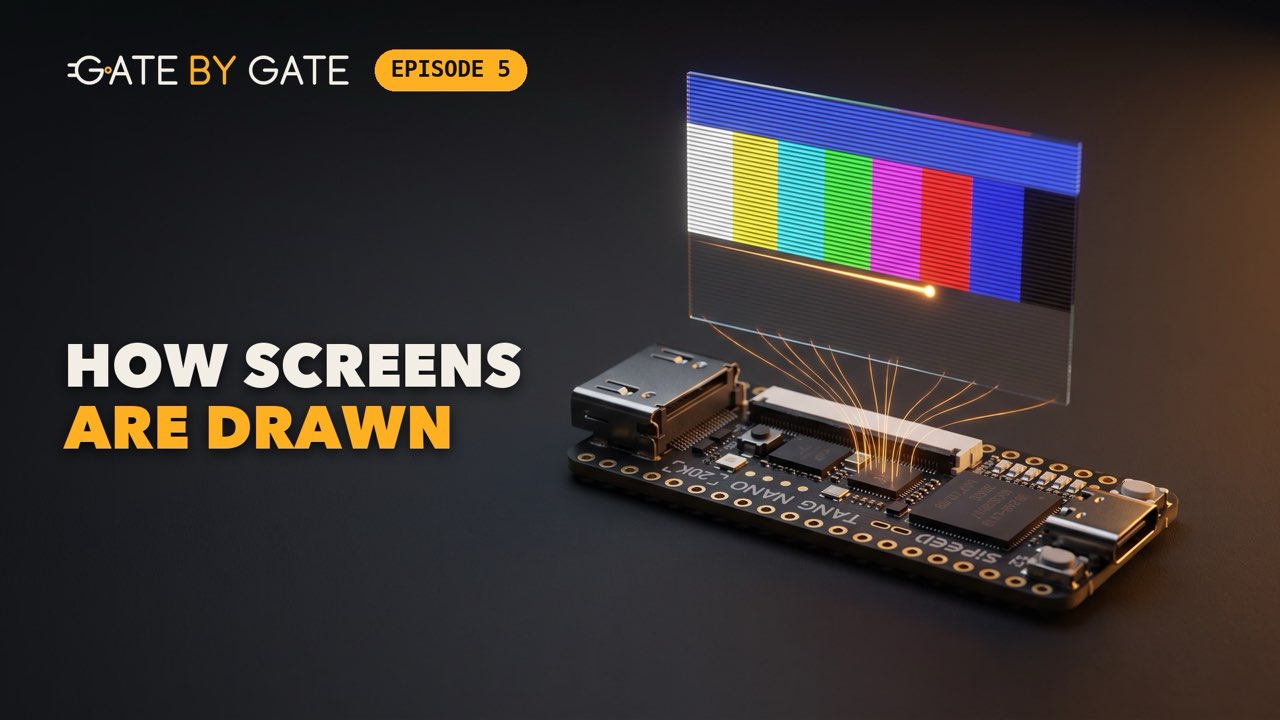
How a Screen Is Really Drawn: One Pixel at a Time, with Two Counters
What a monitor expects to receive, and the circuit that produces it: two counters and a test pattern. A test bench writes the whole 640 by 480 picture into a file, with no screen plugged in.
-
The Missing Clock: How a PLL Turns 27 MHz into 25.2 MHz
The board has a clock of 27 MHz, and the picture needs 25.2 MHz. No counter can make one from the other: a PLL can. The proof is on the board, two timers and two LEDs that blink together.
-
How HDMI Really Works: I Sent a Picture from an FPGA to a Real Monitor
How the picture gets from the chip to a monitor: a TMDS encoder written in Verilog, three serializers and a clock five times faster pack its 26 wires into the four pairs of an HDMI cable. The test pattern appears on a real monitor.
-
Our 6502 Computer Gets a Video Card: 320x200, 16 Colors
The picture moves into a memory: 320 by 200 pixels in 16 colors, with two colors for each cell of 8 by 8, the way the Commodore 64 did it. The memory and the display are written in Verilog, and a title picture appears on a real monitor.
-
Our First 6502 Program: Machine Code, Assembled by Hand
Where the processor begins: what it really does, fetch a byte, decode it, execute it, and start again. Then our first program, five instructions turned into eleven bytes by hand, one opcode at a time from the table.
-
Assembling Our First 6502 Program with ca65 and ld65
The same program, assembled a second time with the tools made for the job: the assembler ca65 and the linker ld65. They give the same eleven bytes as the ones assembled by hand, and the program runs with a pencil, the way our processor will have to.
-
ROM, RAM and the Bus for Our 6502 Computer, in Verilog
The memory of our computer, in Verilog: a ROM that holds the program, a RAM that can be written, and the bus that ties them to the processor. Both are tested in the simulator, and we work out why reading one byte takes two ticks of the clock.
-
Our Own 6502 in Verilog: Writing the First Lines of the Processor
The first lines of our processor in Verilog: a program counter and a state machine with two states, enough for it to fetch. In the simulator, it reads the eleven bytes of our first program one by one, and then we break it on purpose, twice.
-
Writing the ALU of Our Own 6502 in Verilog
The part of our processor that computes, written in Verilog: an ALU with thirteen operations. Five of them are done by one adder, because on a byte a subtraction is an addition. Everything runs in the simulator.
Where the machine stands
The code grows one chapter at a time, and every chapter ends on something you can see. This is what runs today, and what comes next.
-
01-box-of-gatesAn FPGA Is a Box of Gates
An LED driven by two buttons through one gate, then an LED that blinks.
-
02-logic-that-computesLogic That Computes
An eight-bit addition done by our gates, in simulation and then on the board.
-
03-logic-that-remembersLogic That Remembers
A counter on the six LEDs, then a light that runs back and forth.
-
04-how-a-screen-is-drawnHow a Screen Is Drawn
A test pattern computed in the simulator and written to a picture file.
-
05-driving-an-hdmi-screenDriving an HDMI Screen
The same test pattern on a real monitor.
-
06-320-by-200320 by 200
A picture of 320 by 200 pixels in sixteen colors on that monitor.
-
07-what-a-processor-really-doesWhat a Processor Really Does
A first program of eleven bytes, assembled by hand and then by an assembler, which gives the same bytes.
-
08-memory-the-bus-and-the-first-fetchMemory, the Bus and the First Fetch
A ROM, a RAM, a bus and the first piece of the processor: it fetches the eleven bytes one by one, in the simulator.
-
09-the-aluThe ALU
The part that computes: thirteen operations and four flags, checked in the simulator.
-
10-first-instructionsFirst Instructions
Our processor runs its first program: five instructions, and the six LEDs of the board count.
-
11-addressing-modesAddressing Modes
A light two LEDs wide sweeps across the board, read from a table.
-
12-arithmetic-compares-and-decimal-modeArithmetic, Compares and Decimal Mode
A stopwatch that counts the seconds in decimal on the six LEDs.
-
13-branches-and-loopsBranches and Loops
A loop that computes the Collatz sequence on the six LEDs and stops by itself on 1.
-
14-the-stack-and-subroutinesThe Stack and Subroutines
A subroutine that calls itself makes a bar of light grow and shrink on the six LEDs.
-
15-reset-and-interruptsReset and Interrupts
A light walks along the six LEDs; button S2 interrupts it, and it goes on from where it was.
-
16-is-it-really-a-6502Is It Really a 6502?
The functional test of Klaus Dormann runs again and again on the board, at full speed, and the six LEDs count the runs that went well.
-
17-the-processor-drawsThe Processor Draws
The processor draws 128 straight lines on the screen, then changes the colors of the whole picture.
-
18-letters-made-of-pixelsLetters Made of Pixels
Text on the screen: a few lines, the 95 characters of our font and 48 lines of slanting stripes.
-
19-talking-to-your-computerTalking to Your Computer
A program sent from your computer through the USB-C cable draws mazes on the screen.
-
20-our-own-monitorOur Own Monitor
A monitor in the ROM: from your computer, you look at the memory, change it and run a program.
-
21-a-real-usb-keyboardA Real USB Keyboard
The reports of a real USB keyboard, read through a CH9350 module, on the screen and on your computer.
-
22-from-key-codes-to-charactersFrom Key Codes to Characters
The monitor at the keyboard: characters, Shift and AltGr, keys that repeat, Backspace and a blinking cursor.
-
23-running-the-basic-bill-gates-wroteRunning the BASIC Bill Gates Wrote
Microsoft’s BASIC for the 6502 runs on our computer, started from the monitor with
D000R. -
Volume 2: a BASIC of our own
We write our own BASIC, then SAVE and LOAD on an SD card.
First edition
The book
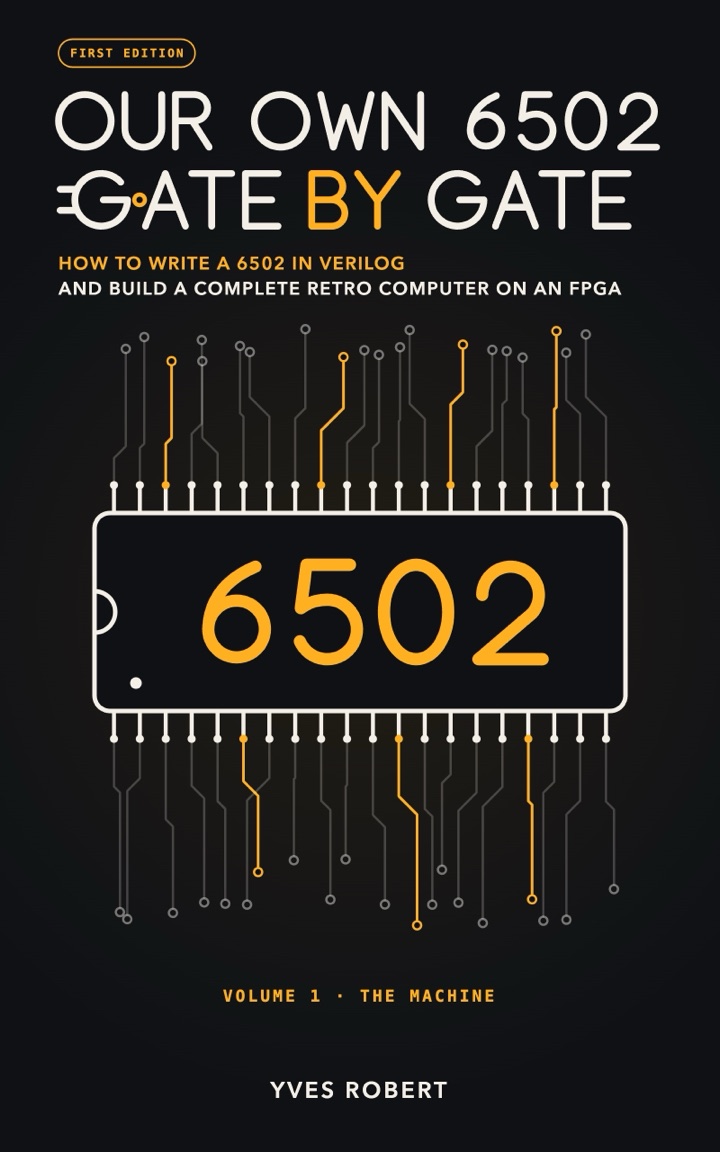
Our Own 6502, Gate by Gate goes through the same chapters, for those who would rather read than pause a video.
The first volume is complete: twenty-three chapters, 592 pages.
If you buy it, you get every later version of this volume at no extra cost.
The code
All of it is free, under the MIT license. Each folder holds the code as it stands at the end of its chapter, with its test benches and its Makefile.
What you need
- A Sipeed Tang Nano 20K and a USB-C cable. From chapter 5 on, an HDMI monitor and its cable.
- The OSS CAD Suite. It is free and it holds every tool used here: Yosys, nextpnr,
gowin_pack, openFPGALoader and Icarus Verilog. It exists for macOS, Linux and Windows. - From chapter 7 on, cc65. It is free too, and it holds the assembler
ca65, the linkerld65and the disassemblerda65. make, and Python 3 from chapter 6 on.- From chapter 21 on, a USB keyboard and the KAmod USB HID Extender from Kamami, a small module with a CH9350 chip, with six header pins, three Dupont wires, a soldering iron and a multimeter.
source ~/oss-cad-suite/environment   # once in each terminal
make test          # run the test benches in the simulator
make count         # build the counter
make flash-count   # send it to the board
make keep-count    # or write it into the board's permanent memory
Who is writing this
I'm Yves Robert. I teach mathematics and computing at Universidade Aberta, in Portugal, where I took my PhD in computational algebra. I also write novels.